

600
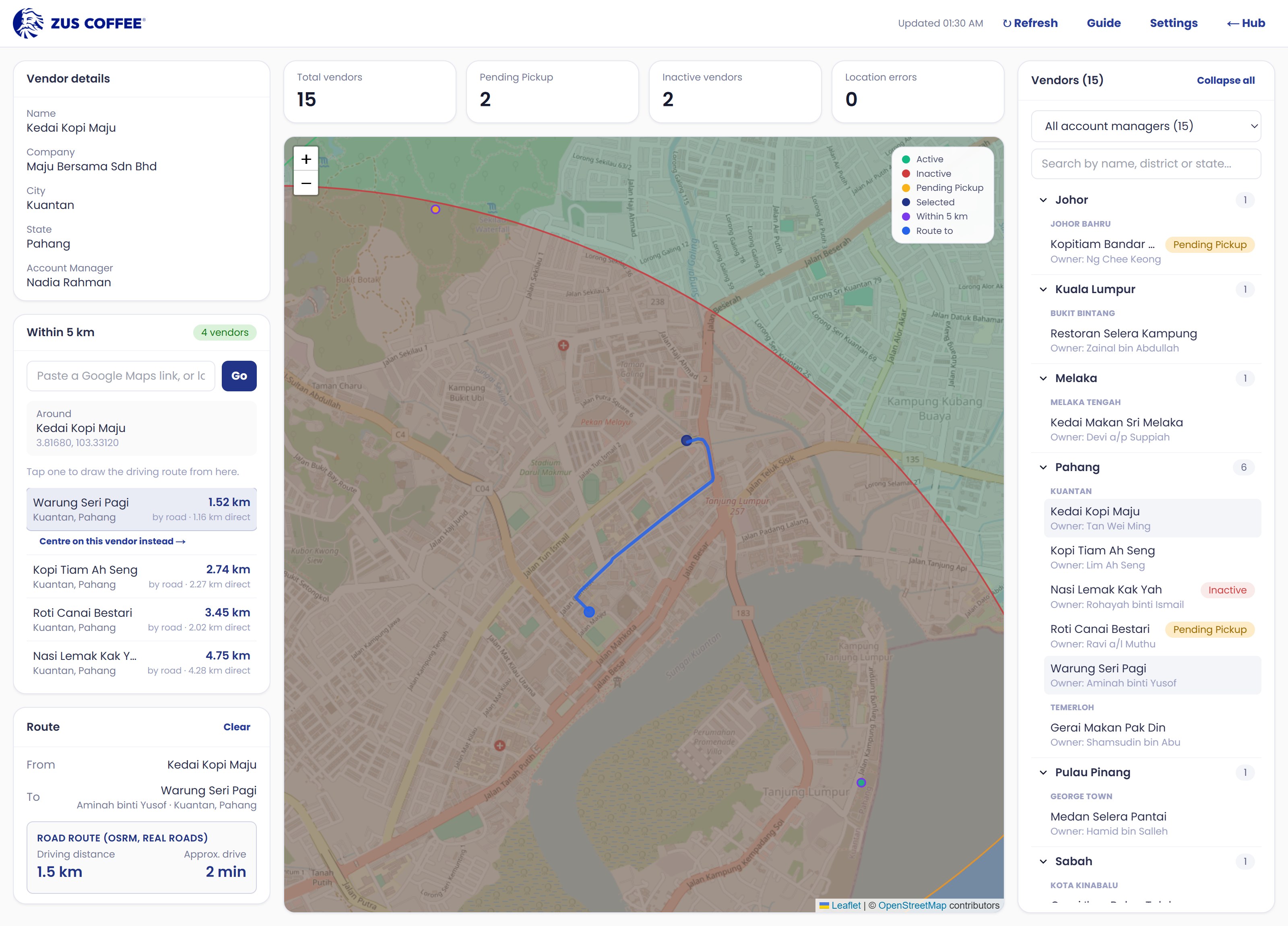
ZUSahawan Vendor Tracker
ABP · Mohamad Zulfaiz Rofi
Every vendor on one map, with a real driving route between any two.
For Account managers, Vendor operations, Project managers
ZUS Coffee — internal tools
Small desktop tools built for the teams that asked for them. Each one removes a job someone was doing by hand — no training day, no login to remember, and nothing to configure.
They are not on an app store. You ask here, ABP approves it, and the installer comes to you in Lark.
The catalogue
The six with a page of their own. Each card says plainly whether you can have it today.
600
ABP · Mohamad Zulfaiz Rofi
Every vendor on one map, with a real driving route between any two.
For Account managers, Vendor operations, Project managers

700
ABP · Mohamad Zulfaiz Rofi
The Finance department’s own desktop app. Accounts Receivable first.
For Finance — Accounts Receivable, ABP — Automation Business Partner, Finance — AP and General Ledger

1000
ABP · Mohamad Zulfaiz Rofi
The outlet duty roster, built and checked against the law at speed, instead of in a spreadsheet.
For Outlet Leaders and Outlet Managers, District and Ops Managers, The crew on the roster

100
ABP · Mohamad Zulfaiz Rofi
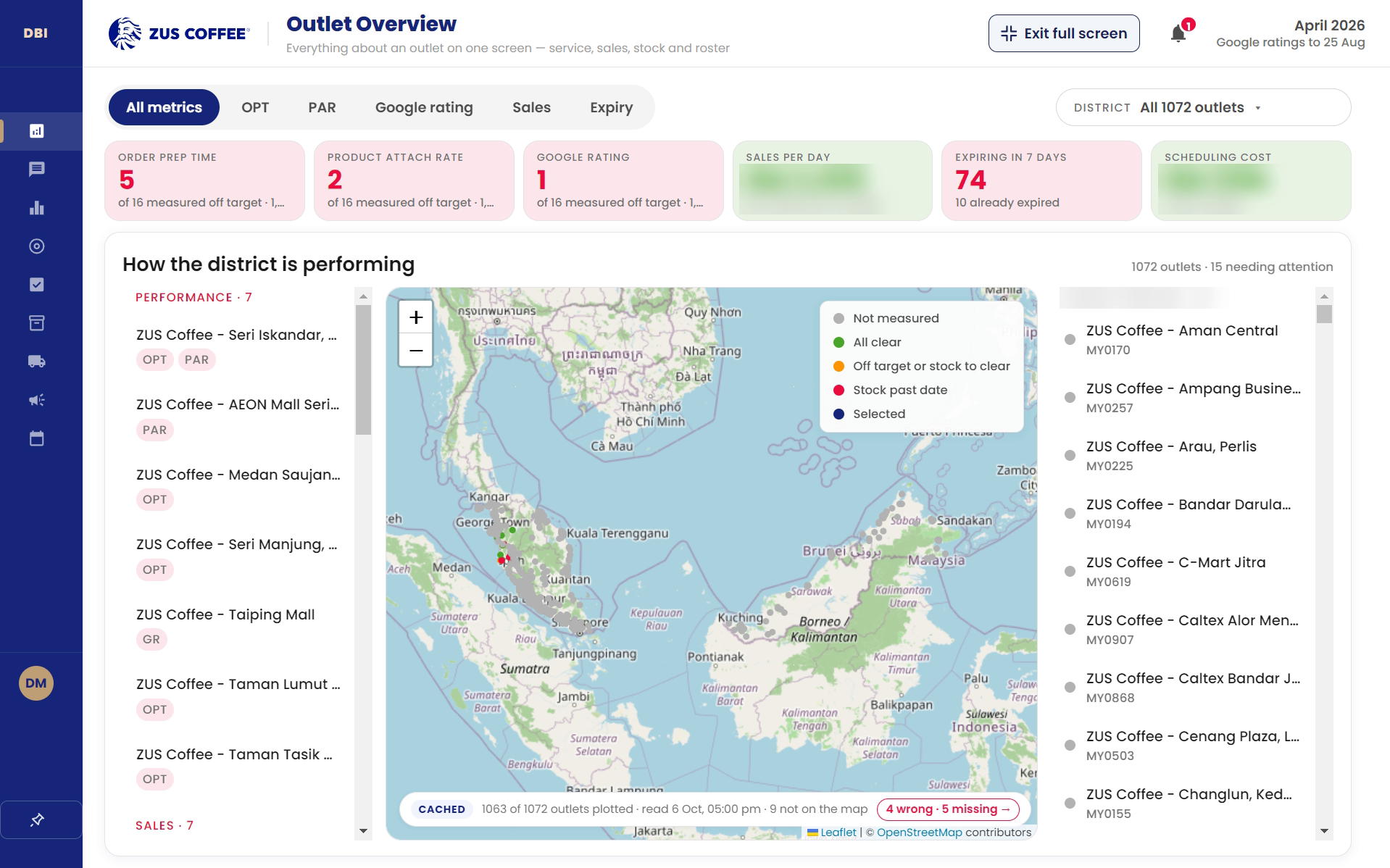
How every district and outlet is actually performing, on one screen instead of 63 tables.
For VP of Operations and her team, District Managers, Strategy and Supply Chain

300
ABP · Mohamad Zulfaiz Rofi
Captions for an in-person interview with a deaf or hard-of-hearing candidate — checked before they are shown.
For Interviewers and hiring managers, The candidate, People & Talent

1300
ABP · Mohamad Zulfaiz Rofi
How the support team did last week — volume, reply times, CSAT and ticket types — without rebuilding the pivots.
For Customer support leads, Operations, Anyone checking one chat
How it works
Every tool here reads real ZUS data — vendor lists, finance ledgers. Who holds a copy is a decision somebody makes, not a link somebody finds.
You ask
Name the tool, pick Windows or macOS, and say what you need it for. One short form.
ABP decides
The request arrives in Lark. You get an answer either way, usually the same day.
You install
Approved, and the installer link comes to you in Lark. It is yours — please do not forward it.